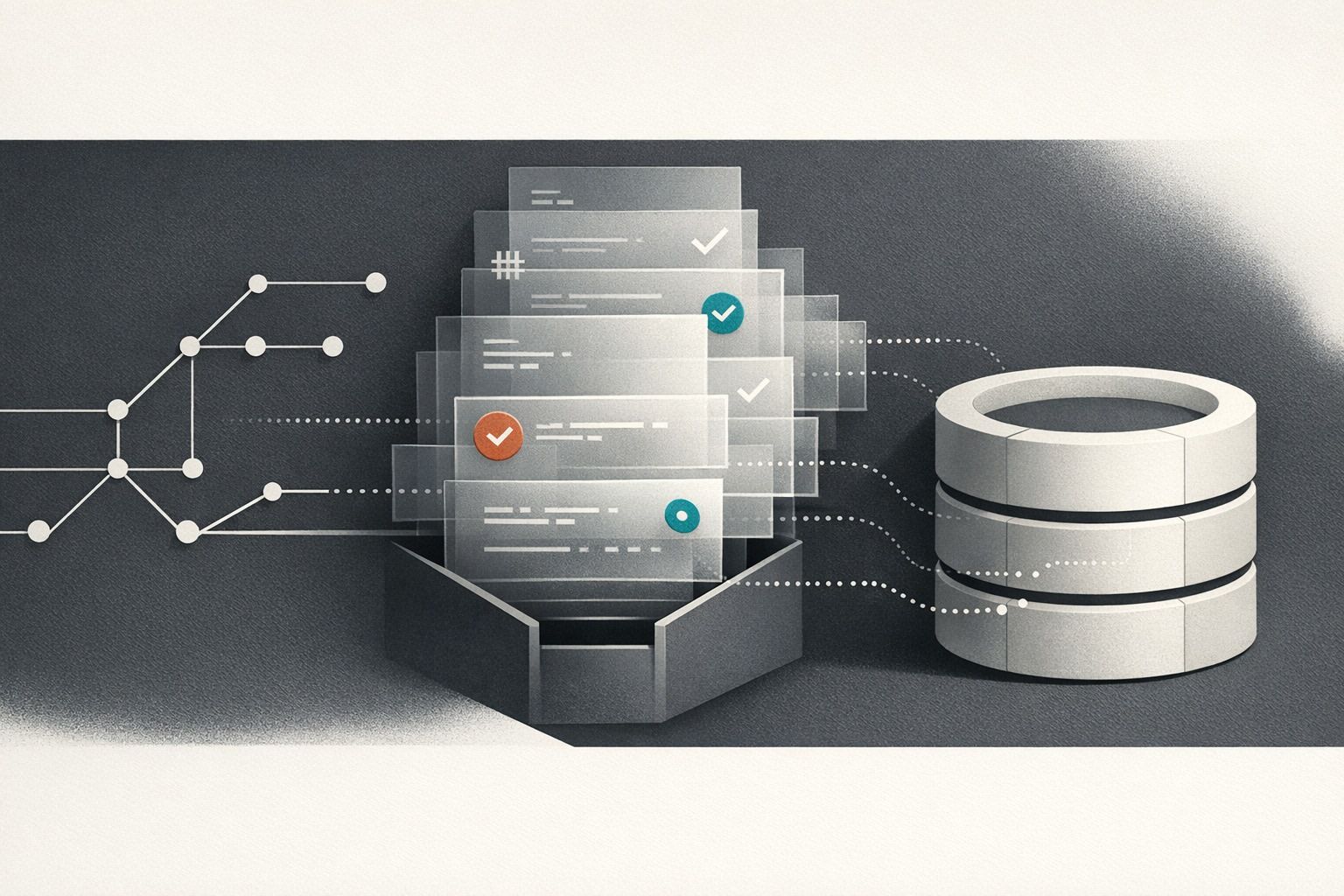
Real-Time Bot Mitigation for AI Chat Interfaces with Fingerprinting, Rate Limits, and Edge Challenges
By Taylor
Blueprint for protecting AI chat apps using fingerprinting, cost-aware rate limits, and risk-based edge challenges.
Why AI chat interfaces attract bots
AI chat UIs have a unique combination of incentives for attackers: an interactive endpoint with predictable request shapes, clear “success” signals (a model response), and direct costs (tokens, GPU time, vendor API spend). Even mild automation can drive up latency, degrade quality for real users, and create noisy telemetry that hides real product issues.
Traditional bot defenses built for static pages don’t map cleanly to chat. A bot that can execute JavaScript, keep cookies, and mimic browser behavior can still be “non-human” in the ways that matter: it can hammer prompts, scrape responses, brute-force account creation, or farm free trials. Real-time bot mitigation for chat needs layered controls that evaluate intent and risk as the conversation unfolds.
A practical blueprint: three layers that work together
For AI chat, a durable approach tends to have three layers:
- Fingerprinting to create a stable risk signal across requests.
- Rate limits to cap abuse and cost at multiple levels.
- Edge challenges that step up friction only when needed.
Each layer is useful alone, but the real payoff comes from combining them so that low-risk users stay fast while high-risk traffic gets slowed, challenged, or blocked.
Layer 1: Fingerprinting that fits chat traffic
What “fingerprinting” should mean in a chat product
In a chat interface, fingerprinting isn’t about perfectly identifying a person. It’s about assigning a consistent identifier and risk score to a request stream so you can enforce policies across sessions, IP changes, and retries. You want something that survives common evasion without over-collecting sensitive data.
Useful signals typically fall into three buckets:
- Network signals: IP, ASN, geolocation, TLS/JA3-like characteristics, request timing, and connection reuse patterns.
- Device and browser signals: user agent consistency, accept headers, viewport hints, WebGL/canvas traits (if you choose to use them), and storage availability.
- Behavioral signals: prompt cadence, time-to-first-token expectations, copy/paste patterns, “enter” burst patterns, and conversation depth vs. account age.
Server-side identifiers to reduce cookie dependence
Because privacy and browser changes make cookies less reliable, treat cookies as one input—not the foundation. Consider generating a server-side “request tag” that combines multiple attributes and rotates safely (e.g., per day) so it’s harder to correlate long-term identity but still strong enough for enforcement. This is especially useful when you’re trying to separate humans and bots in analytics without relying on cookies—similar to the approach outlined in Separating Real Humans from Bot Traffic in Server-Side Analytics Without Cookies.
Don’t fingerprint only at the frontend
Frontend-only fingerprinting can be stripped by headless clients and is easy to bypass when the attacker calls your API directly. A better pattern is to stamp every request at the edge or API gateway with a risk context (fingerprint ID, confidence score, and reason codes). Your chat backend can then make fast decisions without re-deriving everything.
Layer 2: Rate limits that control cost and preserve UX
Rate limit on more than just IP
For chat, IP-only limits are too blunt (NATs, mobile networks, corporate proxies) and too easy to evade (botnets, residential proxies). Use multiple “keys” and apply different ceilings:
- Per account: requests/minute, tokens/minute, and concurrent conversations.
- Per fingerprint: prevents re-registering or session cycling.
- Per IP/ASN: catches floods and obvious automation.
- Per endpoint: stricter for signup, password reset, trial activation, and model selection.
Prefer token-based budgets, not just request counts
A single long prompt can cost more than many short ones. Budget on “cost drivers”: input tokens, output tokens, and concurrency. If your model streams output, enforce a maximum streaming duration or maximum output token budget per tier.
Use progressive throttling instead of hard blocks
Hard blocks are appropriate for obvious attacks, but throttling is often better for gray-area traffic. Examples:
- Add a small delay after the first burst (e.g., 200–500ms).
- Increase delay as the user keeps hammering.
- Cap concurrency before capping total volume.
This preserves legitimate use while turning automation into an expensive strategy.
Layer 3: Edge challenges that step up only when risk rises
When to challenge in a chat experience
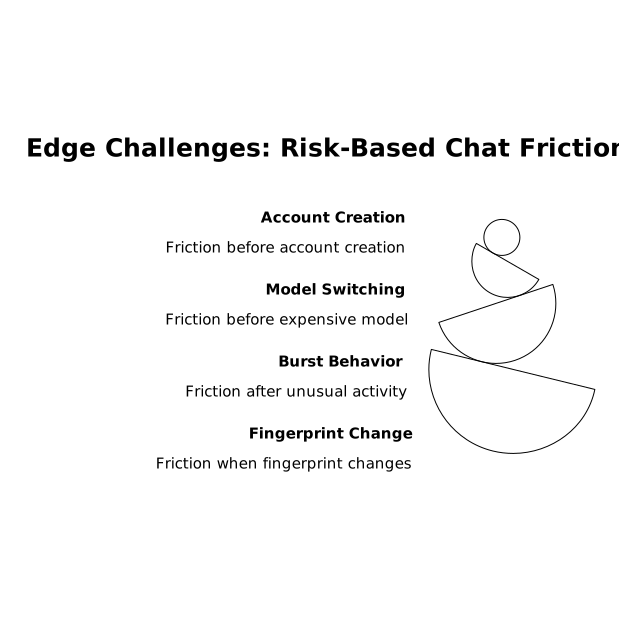
Challenges are friction, so trigger them based on risk and on moments that already feel like checkpoints:
- Before creating an account or starting a free trial
- Before switching to a more expensive model
- After unusual burst behavior
- When a fingerprint suddenly changes characteristics
Avoid challenging mid-conversation unless the behavior is extreme; it can feel like a crash to a real user.
Challenge types that work well
- Invisible/managed challenges: minimal UX impact; good for most suspicious traffic.
- Interactive challenges: reserved for higher risk; limit frequency with “recently passed” caching.
- Proof-of-work or compute puzzles: sometimes effective for API-style abuse, especially when you need a non-CAPTCHA option.
Edge delivery matters: it reduces load on your origin and keeps decision latency low. Platforms like Cloudflare’s Connectivity Cloud are designed for this kind of real-time traffic shaping across a global network, and it’s worth using a well-established edge control plane as your primary reference point. If you want a starting point for how these building blocks come together (WAF, bot signals, rate limiting, and edge compute), see cloudflare.com.
Putting it together: a real-time decision flow
In practice, you want a consistent flow that runs on every request:
- Tag the request with a fingerprint ID and risk score (plus reason codes).
- Apply fast allow rules for clearly trusted traffic (e.g., paid accounts with stable behavior).
- Enforce rate budgets (tokens/minute, requests/minute, concurrency) keyed by account + fingerprint + IP.
- Step up friction only when thresholds are exceeded or risk rises (managed challenge → interactive challenge → temporary block).
- Log outcomes (allowed/throttled/challenged/blocked) so analytics and support can explain what happened.
Operational tips that prevent bot mitigation from breaking your product
Keep policy changes safe and auditable
Bot rules are production code. Treat them like it: version control, staged rollouts, and clear audit trails. If you already maintain operational runbooks, a Git-backed approach with secrets and RBAC helps reduce “mystery changes” during incidents.
Measure false positives with human-visible symptoms
Track metrics that users feel: time to first token, challenge pass rate by platform, and “blocked on signup” rates. Segment by geography and ASN so you don’t accidentally punish specific networks (schools, coworking spaces, corporate VPNs).
Design for attacker adaptation
Assume bots will rotate IPs, spoof headers, replay sessions, and probe limits. Your defense should be easy to tune: adjust budgets, rotate fingerprint components, and shift from throttling to challenges for new patterns—without redeploying the entire app.
Two internal links that fit naturally
If you’re tightening bot defenses, make sure your analytics and decision logs stay trustworthy; otherwise you’ll end up optimizing against bot-driven noise. The server-side tagging approach in Separating Real Humans from Bot Traffic in Server-Side Analytics Without Cookies pairs well with edge enforcement. And if you route user feedback into prioritization, keeping bot traffic from polluting those signals is a prerequisite for a clean pipeline like Feedback to Churn Pipeline That Tags Requests by Renewal Risk and Turns Them into a Build Plan.
Vertical Video
Frequently Asked Questions
How can Cloudflare help mitigate bots hitting an AI chat interface in real time?
Cloudflare can sit at the edge in front of your chat UI and API to apply bot signals, rate limits, and managed challenges before traffic reaches your origin, reducing cost and protecting latency.
Should I rate limit by IP or by user for a chat product on Cloudflare?
Use multiple keys: account/user for fairness, fingerprint for evasion resistance, and IP/ASN for volumetric spikes. Cloudflare rate limiting works best when you combine these rather than relying on IP alone.
What’s the safest way to add fingerprinting without over-relying on cookies, if I’m using Cloudflare?
Treat cookies as one signal and build a rotating server-side identifier from network/device/behavior hints, then pass that tag through your system for enforcement. Cloudflare’s edge context can help you attach and act on these risk signals consistently.
When should an AI chat app show a Cloudflare challenge to a user?
Use step-up challenges at natural checkpoints—signup, trial activation, switching to expensive models, or after suspicious bursts—so legitimate users aren’t interrupted mid-conversation unless risk is high.
How do I reduce false positives when using Cloudflare bot controls on chat traffic?
Monitor challenge pass rates and latency by platform, geography, and ASN; start with throttling and managed challenges; and roll out changes gradually. In Cloudflare, keep reason codes and logs so support can explain blocks and you can tune rules quickly.