Policy as Code for Internal Automations with Step Approvals, Break Glass Access, and Auditable Deploys
By Taylor
Policy-as-code for internal automations with step approvals, break-glass access, and audit trails—without slowing deploys.
Policy-as-code that doesn’t slow shipping
Internal automations are supposed to remove toil, but they often create a new kind of risk: scripts that can change production data, rotate credentials, or approve invoices faster than your controls can keep up. The usual response—more manual review and more tickets—fixes the risk by reintroducing the toil.
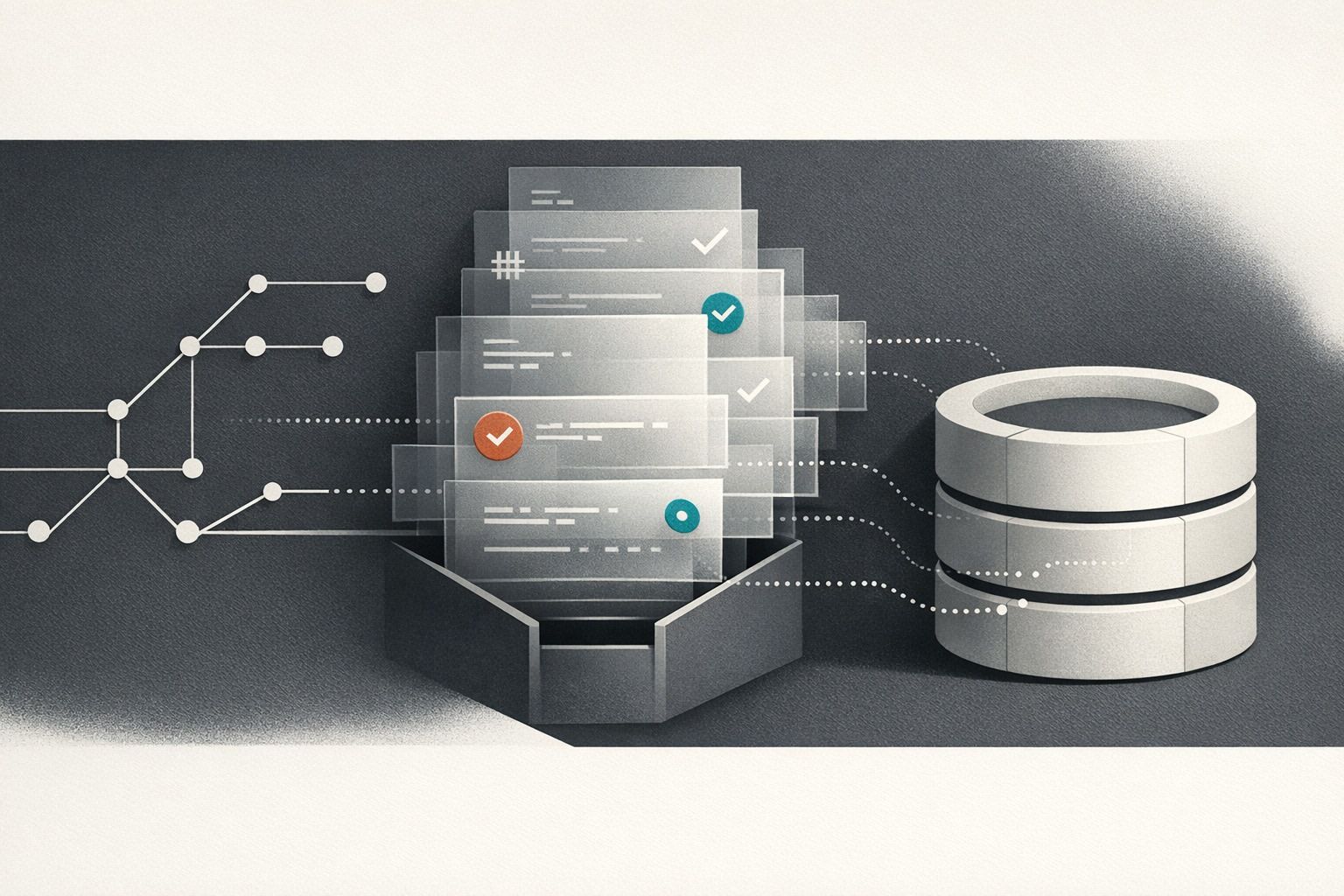
Policy-as-code is the practical middle ground: you encode guardrails (who can do what, under which conditions, with what evidence) directly into the automation platform and its workflows. Done well, you get step-level approvals, break-glass access for emergencies, and a complete audit trail, while the default path stays fast for routine deploys.
Start with a threat model for automations, not for apps
Automations are different from application code because they often run with elevated privileges and touch multiple systems. A useful threat model focuses on:
- Privilege concentration: a single “maintenance script” that can read and write everything.
- Hidden side effects: a script that looks harmless but can delete rows, send money, or grant access.
- Non-repudiation gaps: you can’t prove who requested a run, who approved it, and what actually happened.
- Emergency paths: incidents require speed, but speed without control becomes permanent policy drift.
Policy-as-code is how you convert this threat model into enforceable rules that run every time, not “best effort” checklists.
Step-level approvals for the risky parts only
The most common mistake is putting approvals at the workflow entry point. That forces humans to review everything—even low-risk steps—and it trains teams to rubber-stamp. Instead, model workflows as a DAG and gate only the steps that change state in sensitive systems.
Define approval boundaries
Approvals work best when the boundary is explicit and narrow. Examples of good boundaries:
- “Write to production database” steps
- “Rotate cloud credentials” steps
- “Apply infrastructure changes” steps
- “Bulk customer-impacting updates” steps
Everything else—fetching context, computing a plan, validating inputs—should run automatically so reviewers see evidence, not guesses.
Make the approval object a typed artifact
Instead of approving “run this workflow,” approve a structured artifact generated by the workflow: the SQL diff, the list of IAM changes, the set of accounts to backfill, the invoice batch, or the exact deployment plan. This gives you:
- Determinism: reviewers approve an immutable plan, not a moving target.
- Reproducibility: you can re-run the approved plan later and compare results.
- Faster review: the reviewer sees the delta immediately.
This is similar in spirit to safe database change workflows where migrations are reviewed like code. If you want a concrete pattern, the approach in Safe Self‑Service Database Changes with Git‑Reviewed Migration Jobs maps cleanly to automation steps: generate a change artifact, review it, then apply it with guardrails.
Route approvals based on risk signals
Policy-as-code becomes more powerful when it’s conditional. Examples of policy conditions:
- Require two approvers if the step targets production and affects more than N records.
- Require the on-call approver if the run is outside business hours.
- Require a data owner approval if the step touches regulated tables/fields.
- Skip approval for read-only steps or dry-run plans.
The goal is predictable speed: most runs don’t require approvals, and when they do, the right people are notified with the right evidence.
Break-glass access that’s real, not a loophole
Teams need an emergency path for incidents. The problem is that “break glass” often becomes the default because it’s convenient. Policy-as-code makes break-glass usable and accountable by enforcing constraints that are hard to bypass.
Break-glass should be time-bound and scoped
Good break-glass design typically includes:
- Just-in-time elevation: privileges exist only for a short window (e.g., 30–120 minutes).
- Scope limits: elevation applies to a specific workflow/step, environment, and target resource set.
- Mandatory reason: an incident ID or free-text rationale captured at request time.
- Automatic revocation: no reliance on humans to “remember to remove access.”
In practice, the workflow can generate a scoped token, assume a role, or request a temporary credential via your identity system, then automatically drop privileges once the guarded step is done.
Require after-the-fact review, not a pre-review
For emergencies, waiting for a pre-approval defeats the purpose. A common pattern is:
- Engineer requests break-glass with reason and scope
- System grants time-bound access immediately (if policy checks pass)
- Workflow posts a structured run report to a review queue
- Designated reviewers sign off asynchronously within an SLA
The policy should enforce that repeated break-glass usage triggers escalation, additional logging, or tighter scoping the next time.
Full auditability as a first-class output
Auditability isn’t “we have logs somewhere.” For internal automations, you want a complete chain: request → policy evaluation → approvals → execution → side effects → outputs. That chain should be queryable and exportable.
What to capture for every run
- Who: requester identity (SSO), approver identities, and the actor that executed the step.
- What: workflow version, step versions, inputs, and resolved targets (accounts, tables, clusters).
- Why: ticket/incident references and human-entered rationale where required.
- When: timestamps for request, approval, start/end, and retries.
- Result: outputs, artifacts, logs, and error traces.
To keep audits useful, store high-signal artifacts (diffs, plans, summaries) alongside raw logs. Also ensure your audit stream can be exported to your existing observability stack (SIEM, OpenTelemetry, Prometheus) for correlation.
Make sessions auditable when humans are in the loop
Some internal work still involves interactive access (pairing, remote sessions, ad-hoc debugging). It helps to treat those sessions as “automations with a human step” and apply similar controls. If you need a playbook for that side of the world, Remote Pair Programming Security Playbook for Auditing and Locking Down Sessions complements policy-as-code nicely: it’s the same principle of intentional access plus strong evidence.
How to implement this without platform engineering overhead
The implementation details vary, but the key is choosing a platform where workflows, permissions, approvals, secrets, and logs are integrated rather than stitched together from separate systems.
With a code-first automation platform like windmill.dev, teams can model workflows as DAGs, add conditional approval steps, and keep scripts in real languages (Python, TypeScript, Go, SQL, Bash, and more) while still enforcing RBAC, SSO, secret management, and audit logs. That matters because policy-as-code only works if it’s easy enough to use for the default path.
Practical rollout sequence
- Inventory and classify: list automations by system touched and potential blast radius.
- Introduce plan artifacts: add dry-run steps that output a diff/plan for reviewers.
- Gate high-risk steps: implement step-level approvals for production writes and privileged actions.
- Add break-glass: time-bound elevation with mandatory rationale and post-incident review.
- Harden audit trails: unify run metadata, approvals, and artifacts; export to your monitoring tools.
- Tune policies: reduce false positives so routine deploys stay fast.
This approach keeps velocity high because most runs become “approve nothing, ship safely,” while risky actions become “prove it, then do it.”
What “fast deploys” looks like with policy-as-code
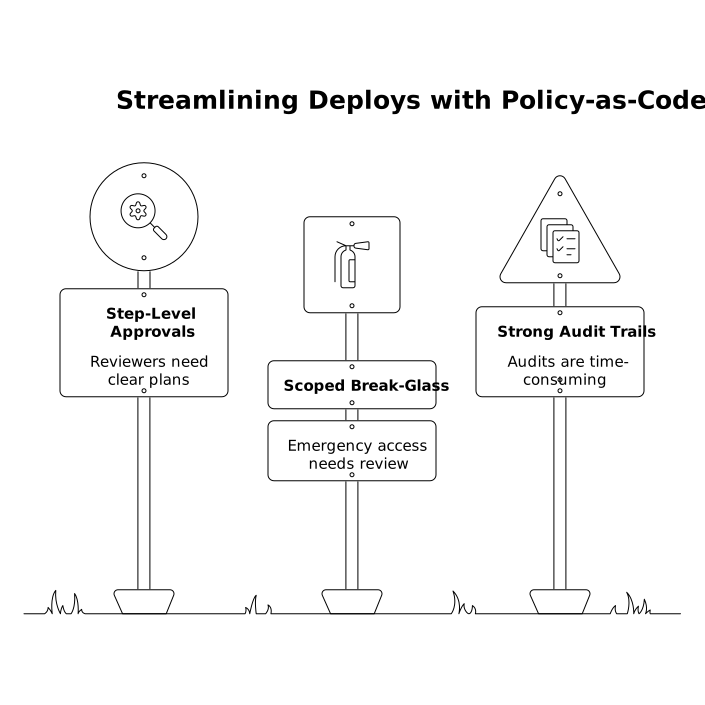
If you’ve implemented step-level approvals, scoped break-glass, and strong audit trails, the day-to-day experience should feel like this:
- Engineers run standard automations without waiting on humans.
- When approvals are needed, reviewers see a crisp plan artifact and approve quickly.
- Incidents have a safe emergency path that’s time-boxed and automatically reviewed.
- Audits are a query, not a scavenger hunt across logs, tickets, and Slack.
Frequently Asked Questions
How can Windmill enforce step-level approvals without approving an entire workflow?
In Windmill, you can model workflows as DAGs and place approval steps only before sensitive actions (like production writes). Low-risk steps still run automatically, and reviewers approve a concrete plan artifact rather than a vague “run.”
What should a break-glass policy include when using windmill.dev for internal automations?
A solid break-glass setup on windmill.dev should be time-bound (just-in-time), scoped to specific steps/resources, require a rationale (incident ID), and automatically revoke elevation after the action completes—plus trigger an after-the-fact review.
How do we keep audits simple when automations touch multiple systems in Windmill?
Use Windmill’s run history, logs, and audit capabilities to capture the chain of custody: requester, policy evaluation, approvers, workflow/step versions, inputs, outputs, and timestamps. Exporting events to your SIEM or OpenTelemetry pipeline helps correlate changes across systems.
How do you decide which steps need approvals in a Windmill workflow?
Start with blast radius: gate steps that write to production data, rotate credentials, change permissions, or impact many customers. Keep read-only validation and plan generation steps ungated so approvals are fast and evidence-based.
Can Windmill support policy-as-code if our scripts are in multiple languages?
Yes. Windmill is code-first and supports many languages (e.g., Python, TypeScript, Go, SQL, Bash), so teams can standardize governance (RBAC, approvals, audit logs, secrets) even when execution code differs across teams.