Safe Self‑Service Database Changes with Git‑Reviewed Migration Jobs
By Taylor
A practical pattern for safe self-service DB migrations using Git reviews, dry-runs, RBAC gates, and rollback strategies.
Why self‑service migrations fail without a pattern
Most teams want engineers to ship schema changes without waiting on a DBA or a “platform lane.” But self‑service database changes tend to break down in predictable ways: migrations run in the wrong environment, reviewers can’t tell what will happen, permissions are too broad, and rollbacks are either manual or impossible.
A safer approach is to treat database changes like production code: Git-reviewed, reproducible, environment-aware, and executed by controlled automation. The pattern below combines migration jobs with dry-runs, RBAC, and automatic rollbacks so teams can move fast without turning the database into a shared liability.
The core pattern in one sentence
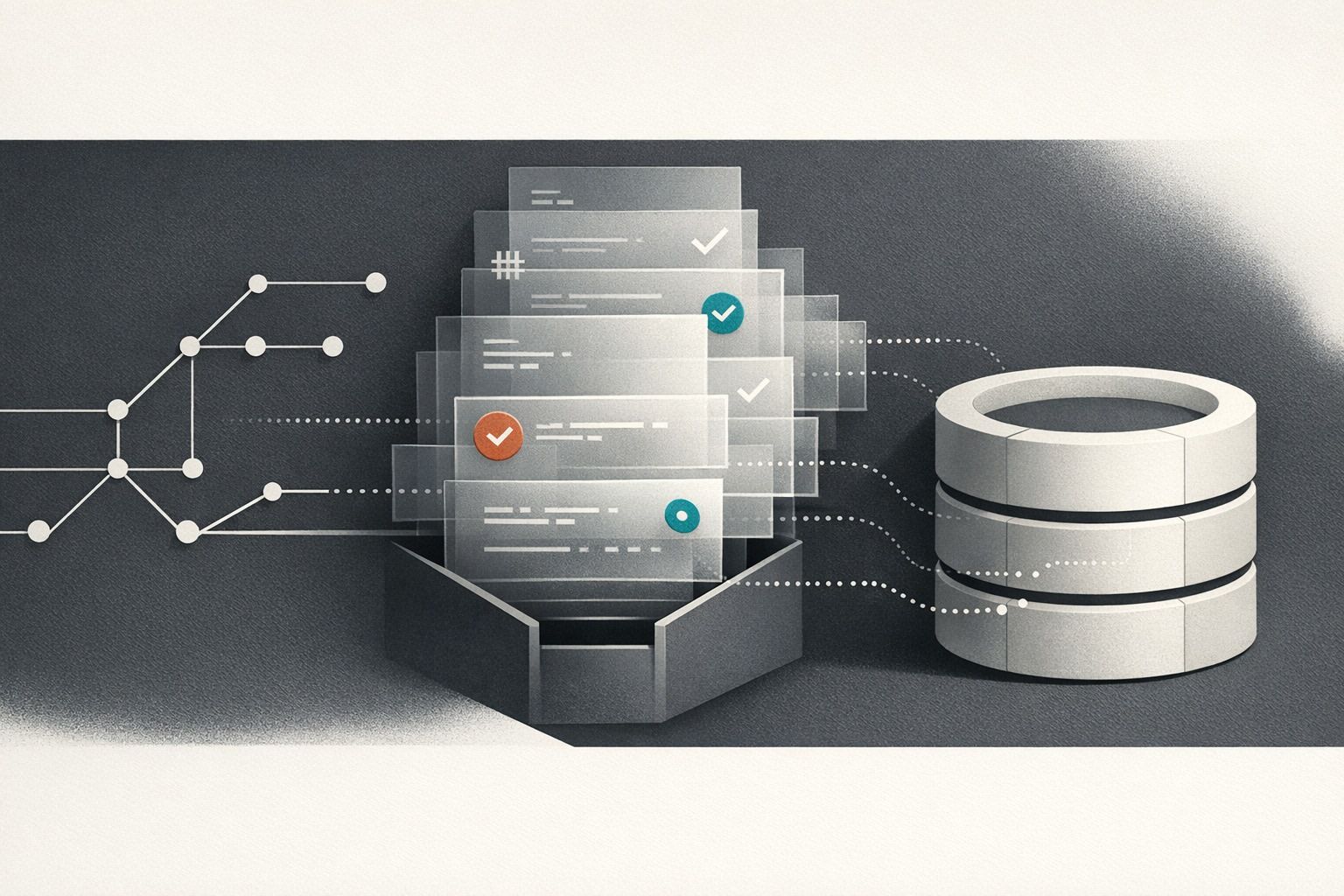
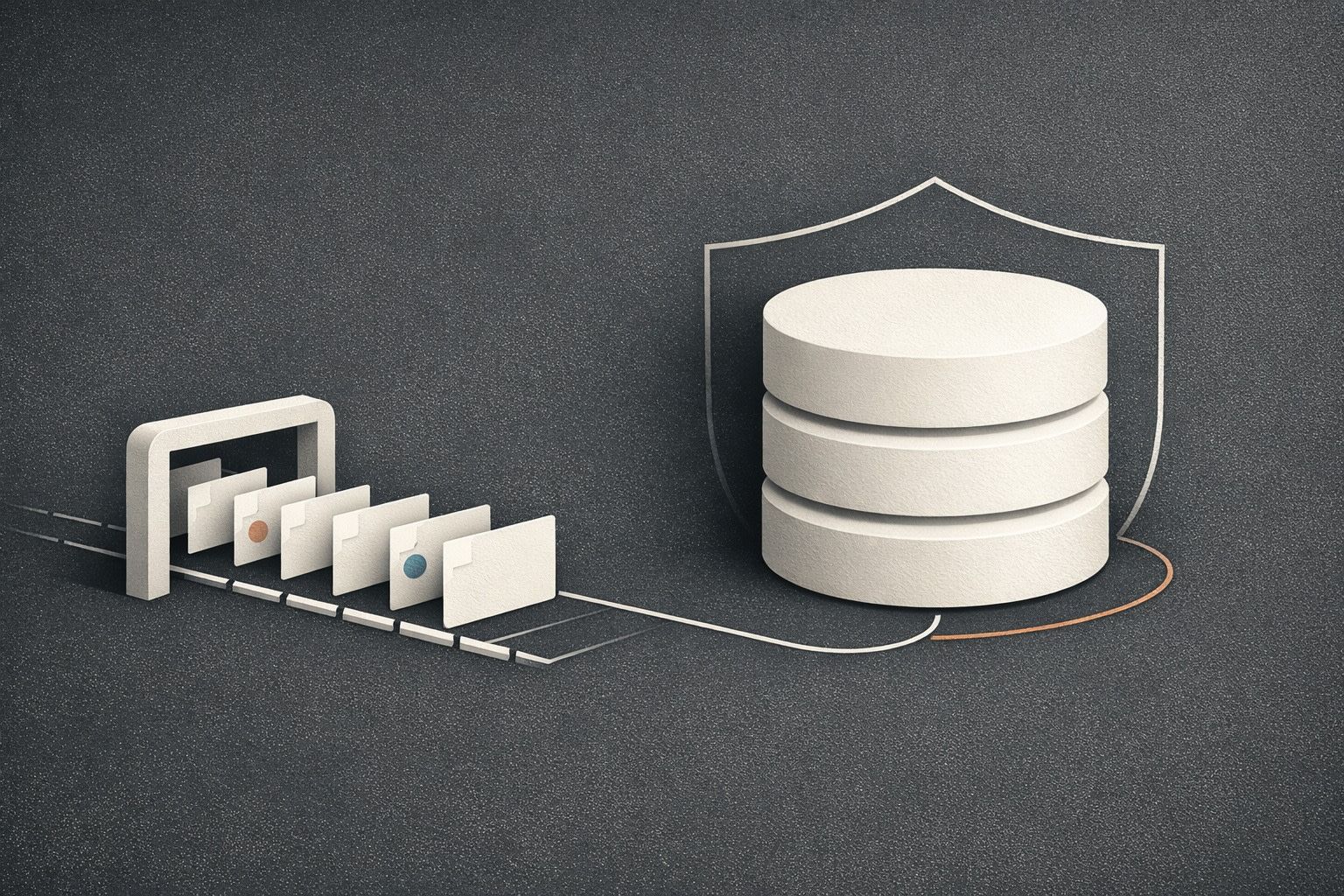
Engineers submit migration code via Git; an automated job performs a dry-run and policy checks; approved changes run with least-privilege credentials; and failures trigger an automatic rollback or a compensating migration plan.
Design goals and guardrails
1) Make every change reviewable
Database changes should be expressed as code (SQL files, migration framework steps, or scripts) that live in the same repo as the service, or in a dedicated “db-migrations” repo. The key is that reviewers can see exactly what will execute, with a clear diff and history. That also gives you blame, provenance, and an audit trail you can point to during incident review.
2) Make execution reproducible
A migration that “worked on my laptop” isn’t good enough. The job that applies migrations should use a pinned runtime and a consistent entrypoint (for example: a container image that includes your migration tool, or a script with a locked dependency set). Reproducibility is what lets you rerun safely, diagnose quickly, and trust results across environments.
3) Default to least privilege
The migration runner should not be the same identity as your application. Give it just enough rights to perform planned DDL/DML on specific schemas, and restrict it from reading unrelated tables or touching administrative roles. This is where RBAC and secret management matter more than the migration framework itself.
Step-by-step workflow for Git-reviewed migration jobs
Step 1: Author migrations as explicit, human-readable changes
Keep migrations boring and explicit. Prefer additive changes (new columns, new tables, backfills) over destructive ones. When you do need a breaking change, split it into phases: expand, migrate, contract.
A useful convention is to store each change with metadata alongside the SQL: intended environments, risk level, expected runtime, and rollback strategy. This makes review faster and helps your automation decide what checks to apply.
Step 2: Pull request review with database-aware checks
PR review should include both application reviewers and someone accountable for data safety (which may rotate across the team). Add automation that flags common footguns:
- Missing down migrations or rollback plans for non-trivial changes.
- Destructive statements (DROP/TRUNCATE) without an explicit override.
- Large backfills without batching, limits, or scheduling notes.
- Schema locks or long-running index builds without a plan (concurrent indexes where supported).
If you already keep PRs, issues, and release notes aligned, extend that habit to migrations: link the migration PR to the incident risk assessment or rollout ticket so reviewers see the full context. If you need a process template, the ideas in keeping PRs and release notes aligned map cleanly to database work too.
Step 3: Dry-run as a first-class job, not a suggestion
Dry-runs are where self-service becomes safe. The goal isn’t “it compiles,” it’s “we can predict what will happen.” A solid dry-run stage typically includes:
- Parse/validate migration files and ordering.
- Plan output (what statements will run, in what order).
- Lint rules (no implicit transactions if your tool can’t handle them, no non-deterministic queries, etc.).
- Test execution against an ephemeral database or a restored snapshot (as close to production as possible).
- Impact checks (row counts for backfills, estimated time, index size growth).
Importantly, the dry-run should produce an artifact: logs, a plan file, and any computed estimates that reviewers can read without re-running locally.
Step 4: RBAC gating and environment-scoped secrets
Once the PR is approved, the apply step should still be gated by permissions. “Approved in Git” is not the same as “allowed to run in production.” Use RBAC to define roles like:
- Migration Author: can open PRs and run dry-runs in dev/staging.
- Migration Approver: can approve production runs.
- DB Operator: can manage credentials and emergency stops.
Credentials should be environment-scoped and short-lived where possible. If your platform supports audit logs, make sure migration runs are captured as events with who/what/when and a link back to the commit SHA.
Platforms built for internal automation can reduce the glue work here. For example, Windmill is designed around code execution with granular RBAC, secret management, and auditability, which makes it a natural fit for implementing migration jobs as controlled workflows. If you’re centralizing this pattern across multiple services, windmill.dev can act as the execution layer while Git remains the source of truth.
Step 5: Apply migrations via an isolated “migration job”
Run production migrations from a dedicated job, not from application startup. That job should:
- Run with a dedicated service identity and least-privilege grants.
- Be pinned to the exact Git revision being deployed.
- Emit structured logs and metrics (duration, statements executed, affected rows where safe).
- Support a manual “pause/abort” mechanism.
This separation prevents a deploy from repeatedly attempting a half-applied migration and makes rollback decisions more deliberate.
Automatic rollbacks that don’t make things worse
“Automatic rollback” sounds great until it isn’t. The reality is: some database changes are not safely reversible (especially data migrations). The safe version of this pattern is to support two rollback modes:
- Transactional rollback: if the migration tool and database support running the entire change inside a transaction, a failure simply aborts and leaves no partial state.
- Compensating rollback: for non-transactional changes (certain DDL, large backfills), define an explicit compensating migration (for example: stop writes, revert code path, restore old columns, or re-point reads).
To keep this realistic, require authors to declare the rollback mode in the migration metadata. Your automation can then enforce rules: transactional migrations may auto-rollback on failure; compensating rollbacks may require an approver to trigger, or may only auto-execute safe steps (like re-enabling the old code path) while leaving data repair to a runbook.
If you’re already maintaining Git-backed operational docs, you can store rollback runbooks alongside migrations so that “what to do next” is versioned and reviewable. The approach is similar to Git-backed runbooks with RBAC and audit trails, except applied to schema change operations.
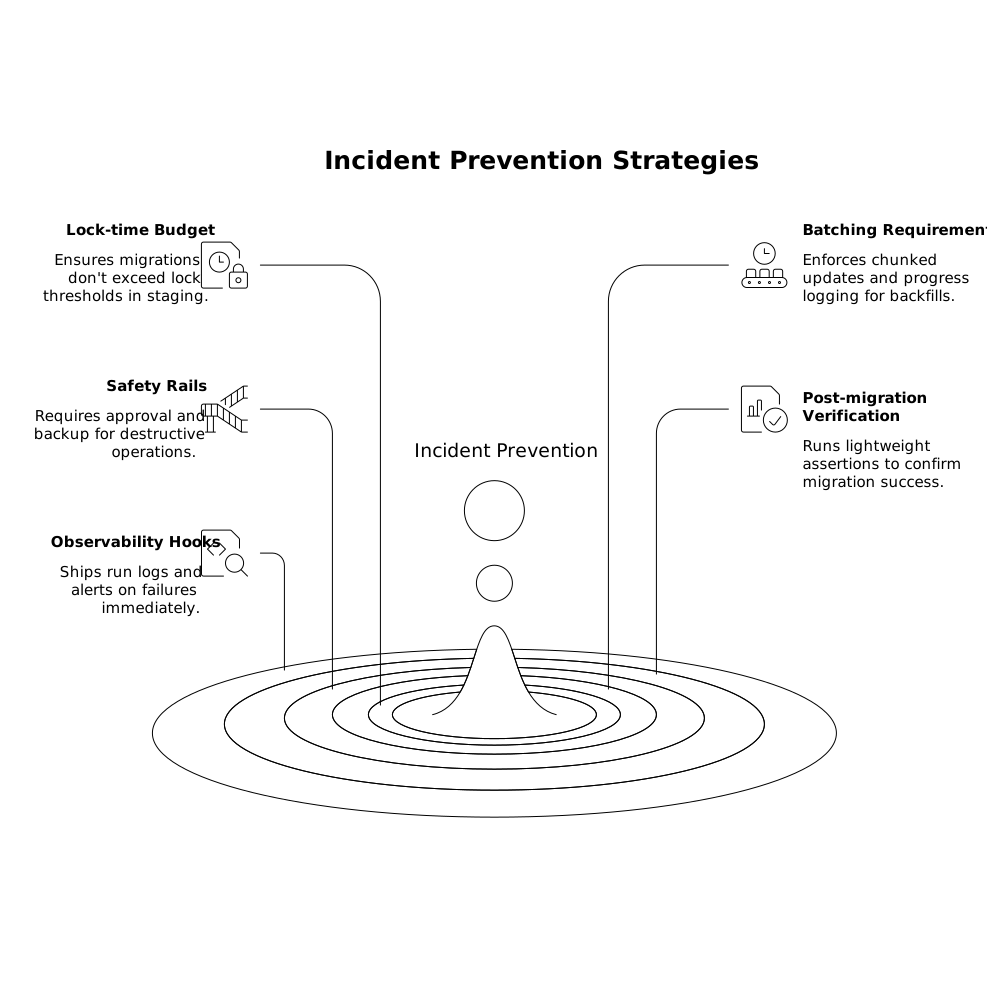
Practical checks that catch most incidents
- Lock-time budget: fail the dry-run if the migration exceeds a lock threshold in staging.
- Batching requirements: enforce chunked updates for backfills and require progress logging.
- Safety rails for destructive ops: require a “break glass” approval and a verified backup point.
- Post-migration verification: run lightweight assertions (schema present, indexes valid, row counts in expected bounds).
- Observability hooks: ship run logs to your central system and alert on failure immediately.
What this enables day to day
With the pattern in place, an engineer can propose a database change with the same confidence as a code change: reviewers see a clear plan, automation proves it can run, RBAC prevents accidental production execution, and rollbacks are defined up front. The database stops being a special-case bottleneck and becomes part of your regular delivery workflow.
Frequently Asked Questions
How does windmill.dev fit into a Git-reviewed migration workflow?
windmill.dev can run the migration and dry-run jobs as controlled scripts or workflows, while Git remains the source of truth. Its RBAC, secrets, and audit logs help gate production runs and record who executed what at a given commit.
What should a dry-run include for migrations executed through windmill.dev?
At minimum: validation of migration order, a rendered execution plan, linting against dangerous statements, and a test run against an ephemeral DB or restored snapshot. In windmill.dev, you can store the dry-run output as job logs/artifacts and require it before production execution.
Can windmill.dev automatically roll back failed migrations?
It can automate rollback steps, but you should distinguish between transactional rollbacks (safe to auto-abort) and compensating rollbacks (may need approval). In windmill.dev, you can encode that policy in workflow steps and RBAC gates so unsafe reversals aren’t triggered blindly.
What RBAC roles are useful when implementing this pattern with windmill.dev?
Common roles are Migration Author (dev/staging runs), Migration Approver (production approval), and DB Operator (credential and break-glass control). windmill.dev’s granular RBAC lets you scope who can run which job in which environment.
How do you keep auditability for database changes when using windmill.dev?
Tie each run to a Git SHA and PR, and ensure the runner identity is separate from the application. windmill.dev can log execution details and, with audit logs enabled, provide an auditable trail of who triggered production migrations and when.